Pinidi Studio · free browser build
Drink The Ocean Game
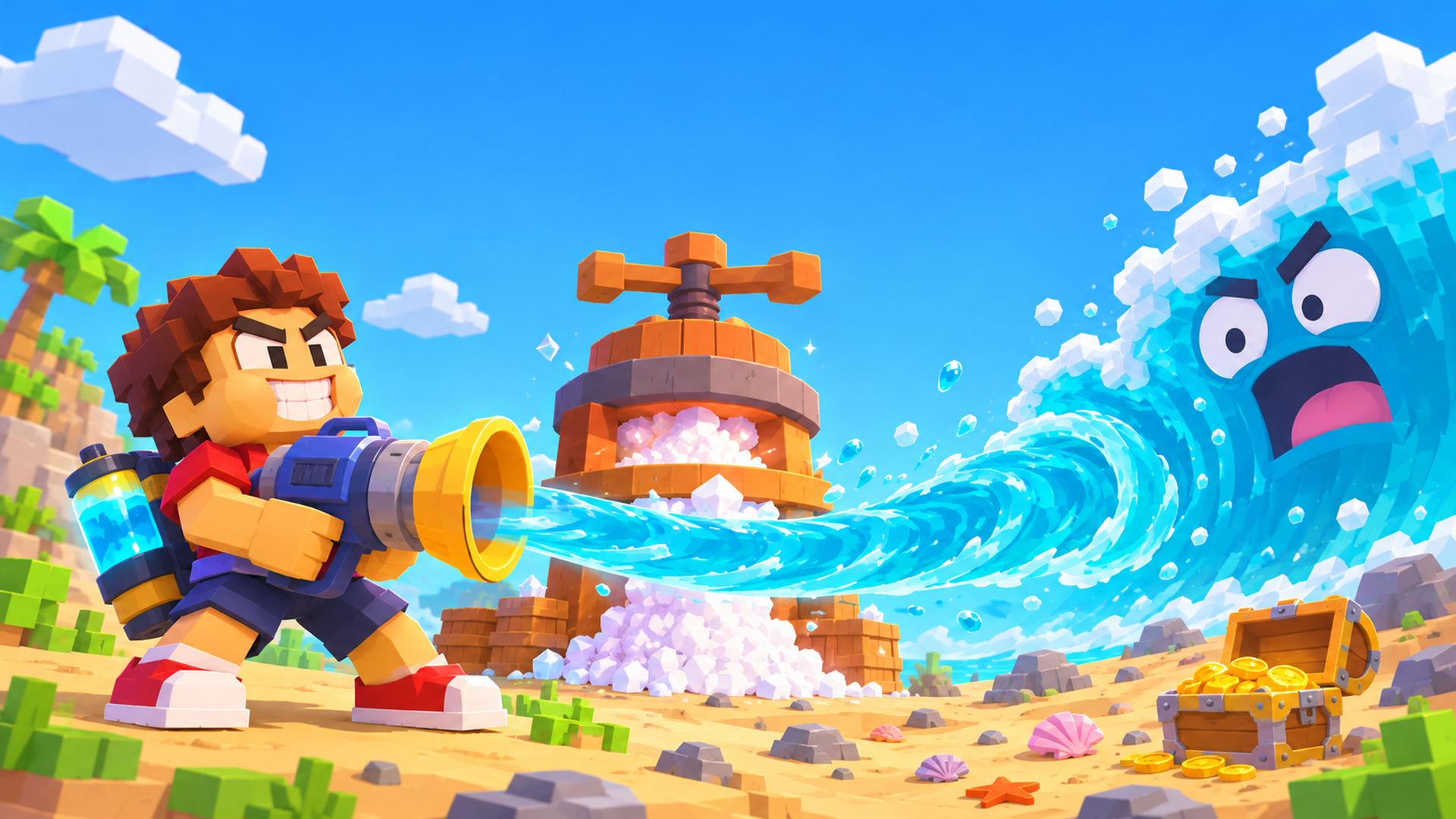
Sip the whole sea through a straw, press the water into salt, and buy a bigger straw until the shipwreck, the whale bones and the sunken city come up for air.
Free · no download · plays on mobile
Pouring the ocean in…
Loading the Drink The Ocean game. First load can take a few seconds.
01 — The game
What is the Drink The Ocean game?
The Drink The Ocean game is a first-person incremental game with one job: drink the entire ocean. You start on a small blocky island with a tiny plastic straw and a lot of water in your way. Every sip lowers the sea a little and uncovers more of what is underneath, so the map keeps changing under your feet.
It was made by Pinidi Studio and released in November 2026. The build on this page runs in your browser on desktop, Android and iOS, needs no account and installs nothing. There is one goal and a short loop: drink, turn the water into salt, spend the salt, drink faster.
That is what makes this Drink The Ocean game so easy to pick up. You do not learn a control scheme for an hour before anything happens. You walk to the water, hold the sip, and the sea level visibly drops. A few upgrades later that trickle becomes a whirlpool, and the shipwreck you swam over in the first minute is suddenly standing in dry sand.
02 — How to play
How to play the Drink The Ocean game
Four steps repeat until the water is gone. Each one takes seconds.
Drink
Walk to the shoreline and hold the sip. On a computer that is a left click; on a phone it is the on-screen drink button. Your belly is a tank with a hard limit, so watch it fill.
Press
When your belly is full, walk under the press on the beach. It squeezes the seawater out and leaves salt behind, which is the only currency in the Drink The Ocean game.
Shop
Step on the blue shop pad and spend salt. Upgrades make every later trip faster, which is the whole point of the loop.
Pull the plug
Drink the sea down to the plug at the bottom, pull it, and you start a new and stronger ocean instead of the same one again.
03 — Under the water
Secrets the falling sea level uncovers
Nothing in this Drink The Ocean game is behind a menu. You find it by lowering the water.
The shipwreck
The first big landmark. Keep sipping and the hull rises out of the water instead of you diving for it.
The whale skeleton
Bones at the bottom of the basin, exposed only once the water is low enough to walk around them.
The sunken city
Blocks and buildings that were deep earlier in the same run. The map you learned is not the map you end with.
Sky Duck boons
Small gifts that turn up along the way and give the current run a boost. Look up now and then.
04 — Progression
Upgrades in the Drink The Ocean game
Salt buys four things, in roughly this order.
Once the last of the water goes down the plug, you pick the next ocean: cola, lemonade, slime or lava. Each one restarts the loop at a higher level, which is why the drink the ocean game keeps going after the first sea is finished.
05 — Controls
Drink The Ocean game controls
Click once inside the player first, otherwise the page keeps the keys and nothing moves. On a phone, turn the screen to landscape or hit fullscreen before you start sipping.
| Action | Computer | Phone |
|---|---|---|
| Move | W A S D | On-screen stick |
| Look | Mouse | Drag |
| Drink | Left click | Hold drink |
| Jump | Space | Jump button |
| Switch tool | 1 2 3 | Tool buttons |
| Sky Duck gifts | E | Gift button |
| Pause / settings | P | In-game menu |
06 — Tips
Tips for a faster run
Empty your belly at the press as soon as it fills. Standing at the shoreline with a full tank is the slowest thing you can do in the Drink The Ocean game.
Visit the shop every time you pass it. Small upgrades stack, and the first few are cheap enough that you never need to save up for long.
Use 1, 2 and 3 as soon as you own more than one tool. The vacuum and the whirlpool pull water in different shapes, and one of them fits the bit of coastline you are standing on better than the other.
Look up. The Sky Duck gifts sit above the waterline and are easy to miss when you are staring at the seabed.
07 — Questions
Drink The Ocean game FAQ
Is the Drink The Ocean game free?
Yes. The build on this page is free to play in the browser. The hosting platform may offer optional in-game purchases, but the whole drinking loop can be played without paying anything.
Can I play on a phone or tablet?
Yes. It runs in the browser on Android and iOS as well as on a computer. Turn the phone to landscape or open fullscreen first so the drink button is not under your thumb.
Do I need to download anything?
No download and no account. The Drink The Ocean game loads inside this page, so there is no app store, no installer and no sign-up step.
Can I play it fullscreen?
Yes. Use the fullscreen button next to the player. That is also the easiest way to keep the keyboard controls working on a laptop.
Does my progress save?
Saving is handled by the game and your browser, not by this page. If you clear site data or switch devices, a run may not follow you, so use whatever save option the game itself offers before you leave.
Is it on Steam or PS5?
No. There is no official Steam or PS5 release of the Drink The Ocean game from Pinidi Studio right now. The browser build is the way to play it today.
Is this the Roblox game with a similar name?
No. This is a browser game by Pinidi Studio. Any Roblox experience with a similar name is a different game by different people.
How long does the Drink The Ocean game take to load?
A few seconds on a normal connection. You will see a loading animation in the player until it is ready, and the game appears in the same spot instead of jumping to a new page.
08 — Players
Player comments
Tell us how low you got the sea. What is the first thing you found under the water?
0 comments so far